Best Website Builders for Accountants (2026)
In this article
An accountant’s website needs to establish trust, explain services and give prospective clients a clear next step. It does not need flashy animation or dozens of pages.
Your choice should depend on how often you publish content, how much design control you want and which external tools you need to connect. Treat secure document exchange as a separate requirement: an ordinary contact form is not a client portal.
Key takeaways
- The best website builder for accountants is one that makes services, fees, credentials and the consultation process easy to understand and update.
- Use a dedicated secure portal for tax returns, identification and financial records, then link to it from your website.
- Compare the ongoing price, not just an introductory rate, and include the cost of any booking, portal or email tools.
What an accountant website needs
Most small practices can start with five pages: Home, Services, About, Fees and Contact. Add separate service pages later if you need to explain areas such as bookkeeping, payroll or tax preparation in more detail.
The home page should identify your ideal client and location immediately. “Fixed-fee accounting for independent retailers in Manchester” is more useful than “Helping you achieve financial success.”
Your website should also include:
- Professional qualifications and relevant memberships
- Named team members with real photographs
- A plain-English explanation of the consultation process
- Fees, starting prices or an explanation of how quotes work
- Frequently asked questions
- A consultation enquiry form
- A prominent link to your independent secure client portal
If you need help planning the content, the small-business website articles cover structure, copy and launch checks for service businesses.
Seven website builders compared
For competitors with linked official sources, the prices and features below were checked as of September 2026. For WordPress.com and Durable, verify their current plans before choosing.
| Builder | Ongoing cost | Custom domain | Enquiry forms | Content maintenance | External client portal link |
|---|---|---|---|---|---|
| Wix | Light is $17 per month billed annually; Core is $29. | Light supports a custom domain, free for the first year. | Confirm current form limits and whether you need Core for bookings. | Check its current editing and app options against your workflow. | Confirm external-link support for your plan, then test the portal link on mobile. |
| Squarespace | Basic starts at $19 per month billed annually. | A custom domain is free for the first year with annual billing. | Verify current form features and notification options. | Consider it when visual consistency matters; test routine fee and service edits before choosing. | Verify and test a clearly labelled external portal link. |
| Hostinger Website Builder | Premium costs $143.52 for the first 48 months, then renews at $10.99 per month. There is a 14-day trial but no free publishing plan. | Premium includes a custom domain free for the first year. | Verify current form features and limits. | Test how quickly you can update services, fees and staff details. | Verify external-link support and test the portal journey on mobile. |
| Webflow | Basic is $15 per month billed yearly; Premium is $25. | Paid site plans support a custom domain. | Confirm current form handling and limits. | Basic has no CMS; Premium adds a CMS for larger content libraries. | Verify and test the external portal link before publishing. |
| WordPress.com | Verify current plans and renewal prices. | Verify current-plan support and domain costs. | Verify current form options and limits. | Compare current content tools if regular publishing is central to the site. | Verify that your chosen plan supports the required external portal link. |
| Durable | Verify current plans and renewal prices. | Verify current-plan support and domain costs. | Verify current form options and notifications. | Test routine service, fee, team and FAQ edits before choosing. | Verify that your chosen plan supports the required external portal link. |
| Cloudeel | Pro is $12 per month or $99 per year for up to three sites. | Pro includes one custom domain per site with automatic HTTPS. | Pro includes 1,000 monthly submissions, spam checking, CSV export and email notifications. | AI-assisted edits, manual click-to-edit and version history suit brochure sites, but there is no blog CMS. | You can link an independent portal, but Cloudeel does not provide a secure portal or booking engine. |
Whichever builder you choose, keep sensitive documents out of its ordinary contact form. Use the form for initial enquiries and direct clients to a dedicated secure portal for financial records.
Which option fits your practice
Choose Wix if its Core plan’s bookings and payments match your workflow. Choose Squarespace when visual presentation matters, or Hostinger when the 48-month upfront commitment and renewal price fit your budget.
Webflow makes more sense when detailed design control or a CMS justifies extra setup. Evaluate WordPress.com and Durable against their current plans because no sourced current pricing or feature details are available here.
Cloudeel fits a small practice that wants a straightforward site and frequent service, fee, team or FAQ updates without a designer. It is not the right choice when you need a built-in blog, booking system or secure client portal.
How to build the first version
1. Choose your route
Hire a designer when you need bespoke branding or complicated integrations. Use a general-purpose builder for a content-rich site, or an AI builder when you need a straightforward practice website online quickly.
2. Start with the essential structure
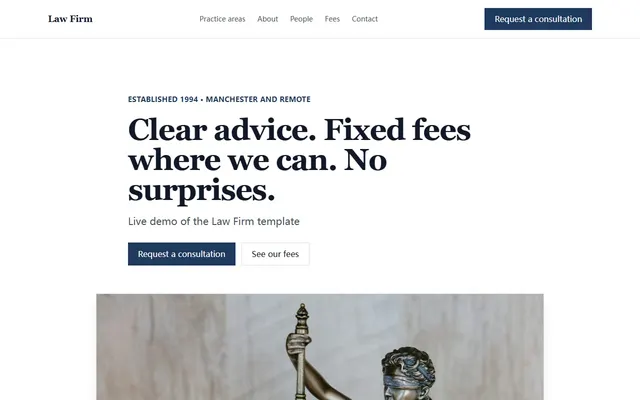
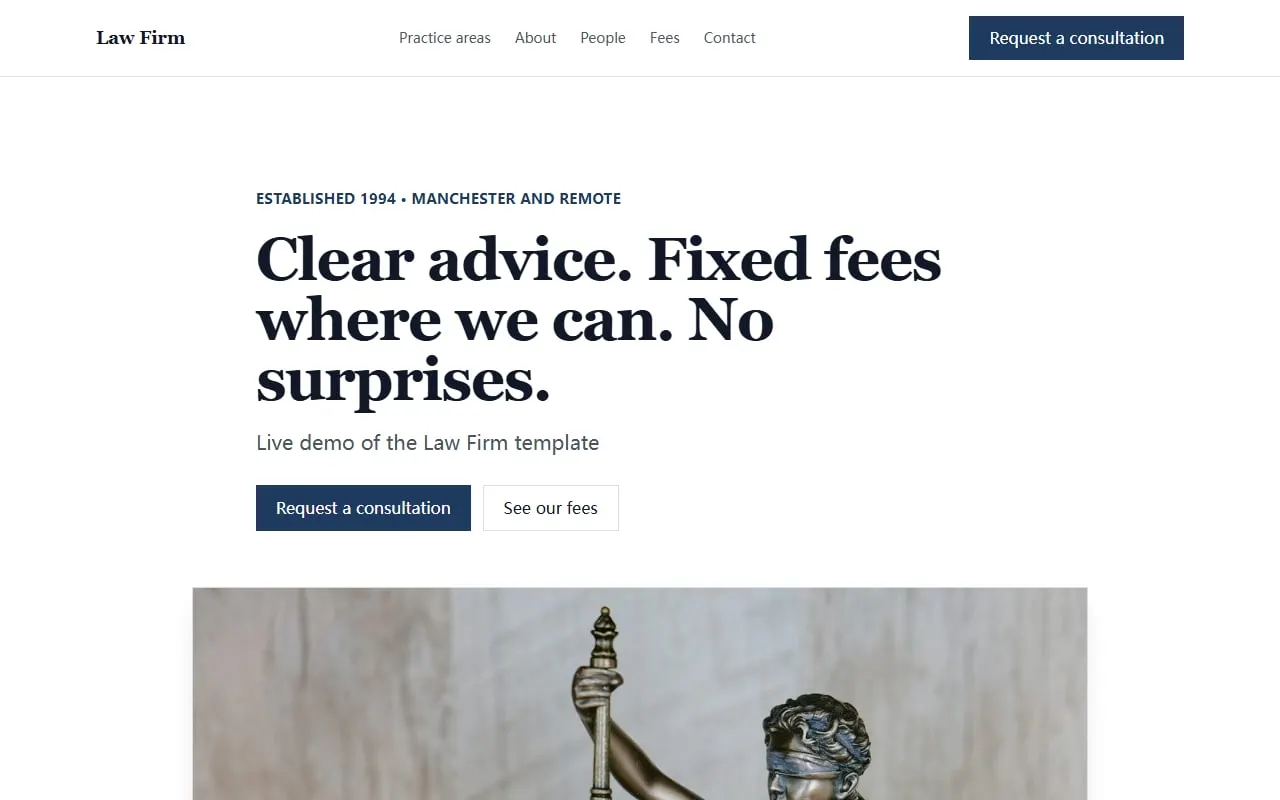
The Law Firm template already includes services, team, process, fees, FAQs and a consultation form suitable for adapting to an accounting practice. In Cloudeel, start with a specific prompt:
We are a three-person accounting practice serving trades and local retailers in Bristol.
Create sections for services, fixed-fee packages, our team, how consultations work, FAQs and an enquiry form.
Use a calm, precise and approachable tone without financial jargon.
Mention bookkeeping, payroll, annual accounts and tax returns.
Above the fold, show who we help, our location and a “Book an introductory call” button.
3. Replace general claims with evidence
Add genuine qualifications, staff biographies and a clear process. Avoid unsupported claims such as “the region’s leading accountants”. Explain what happens after an enquiry and how long clients should expect before receiving a response.
4. Connect external services and publish
Link your booking tool and secure client portal as separate services. Restrict the website form to initial enquiries; do not request bank details, identification documents, tax records or financial statements through it.
Connect your domain, test every link and submit the form from a phone before publishing. Paid Cloudeel sites include a custom domain with automatic HTTPS, but HTTPS alone does not turn a general contact form into a secure document portal.
Accountant website launch checklist
- The first screen states who you serve, what you do and where you work
- Each core service has a plain-English description
- Fees or the quotation process are explained
- Qualifications and team details are accurate
- The consultation process has a clear next step
- The secure portal opens through a separate, clearly labelled link
- The contact form does not request sensitive financial documents
- Mobile layouts, buttons and form notifications have been tested
- Privacy and regulatory wording has been reviewed for your location
Frequently asked questions
Which website builder is best for a small accounting firm?
There is no single best choice. Wix may fit firms needing bookings, Webflow suits detailed design or CMS requirements, and Cloudeel fits a maintained brochure site; verify WordPress.com and Durable against their current official plans.
Does an accountant website need a secure client portal?
Use one if clients exchange financial records, identification or tax documents online. A normal website form should collect only enough information to start a conversation and should link to a dedicated secure portal for sensitive files.
How much does an accountant website builder cost?
The sourced options range from free subdomain plans to paid subscriptions, with introductory and annual terms affecting the total. Include domain renewals and any separate booking or portal service when comparing costs.
Can I build an accountant website myself?
Yes, if the site has a simple structure and you can supply accurate copy, credentials and service details. Ask an appropriate professional to review privacy, regulatory and security requirements where you operate.
Once you have selected a platform, follow the practical steps in How to Make an Accountant Website That Gets Calls.