Cheapest Small Business Website With a Custom Domain
In this article
The cheapest website is not always the one with the lowest first-year bill. A free hosting offer can become expensive if you spend weekends fixing layouts, forms and security settings.
Count the domain, website plan, form handling and your maintenance time. Then choose the simplest route that still gives customers the information and contact options they need.
Key takeaways
- The cheapest small business website with a custom domain is usually a self-hosted static site, provided you can build and maintain it yourself.
- A single-page builder is often the lowest-effort option for a basic page, while a full website builder suits businesses needing several pages and regular updates.
- Compare renewal costs, form limits and maintenance work rather than choosing from the introductory price alone.
What “cheapest” should include
Compare five things:
- Domain registration and renewal
- Hosting or builder fees
- Contact form handling
- Automatic SSL
- Time spent making updates
Business email is usually separate, so do not assume a domain includes an address such as [email protected].
Keep the scope practical. Many service businesses only need services, service area, testimonials, an about section and a contact form. The accountant website walkthrough shows how little content you need to start taking enquiries.
Three affordable routes
1. Buy a domain and host a static site yourself
This route has the lowest possible cash cost. You pay for the domain and use a static hosting service with a free allowance.
It works well if you can write HTML and CSS, configure DNS, add metadata and troubleshoot deployments. You will also need a separate way to process contact forms because a static page cannot receive and store submissions by itself.
Your cost calculation is:
First year: domain registration + any paid template or form service
Later years: domain renewal + form service + any hosting charges
The weakness is maintenance. Changing opening hours may be easy for a developer, but awkward for an owner who has to find the right file, rebuild the site and deploy it again.
Choose this route when you already have the technical skills or enjoy learning them. It is rarely the cheapest route when you need to hire someone whenever the site changes.
2. Use a single-page builder
A focused builder such as Carrd can be a sensible middle ground. It suits a brochure-style page with a headline, short service list, proof, contact details and one main action.
Check the current plan carefully before buying. The cheapest advertised tier may not include custom domains, forms or the amount of content you need.
Calculate it as:
First year: eligible builder plan + domain registration + any form add-on
Later years: builder renewal + domain renewal + add-ons
A single page is often enough for a new local business. It becomes restrictive when you need separate service pages, a detailed about page or more room to answer common questions.
3. Use an AI website builder
An AI builder costs more than free static hosting but reduces setup and maintenance work. It can be cheaper overall when you would otherwise pay a developer or lose several working days learning a general-purpose builder.
Cloudeel Pro costs $99 per year when billed yearly. It supports up to three sites, with one custom domain per site, automatic SSL and no platform badge. Your calculation for one site is:
First year: $99 + domain registration
Later years: $99 + domain renewal
It includes contact forms, publishing and privacy-friendly analytics. You can also describe an edit in one sentence or change text manually without using AI credits.
This route fits businesses that need a complete, maintainable site but do not need e-commerce, online payments or a booking engine. For a broader comparison of what to inspect before paying, use these seven questions for choosing an AI website builder.
How to compare the real cost
Record checkout and renewal prices for each option in a two-year worksheet.
| Cost or task | DIY static site | Single-page builder | AI website builder |
|---|---|---|---|
| Domain | Separate | Separate | Separate |
| Hosting | May be free | Paid plan | Paid plan |
| SSL | Configure yourself | Check the plan | Included on Cloudeel Pro |
| Contact form | Separate setup | Check limits | Included |
| Edits | Edit and deploy files | Use the editor | Describe or make directly |
| Multiple pages | Build manually | Often limited | Supported |
| Maintenance | Highest | Low | Low |
Include your time. If free hosting takes two working days to configure, compare that saving with the work or income those days would otherwise produce.
How to build the site without overspending
1. Decide what the site must do
Choose one main action: call, request a quote, visit your premises or submit an enquiry. Avoid paying for advanced features that do not support that action.
2. Prepare the essential information
Collect your business name, service area, services, prices where appropriate, contact details and two or three pieces of evidence such as testimonials or completed projects.
3. Pick the route that matches your skills
Use static hosting if you can manage code and deployments. Choose a single-page tool for a compact brochure page. Choose an AI or general-purpose builder when you need multiple pages and want to maintain them without technical work.
4. Generate and edit a practical first draft
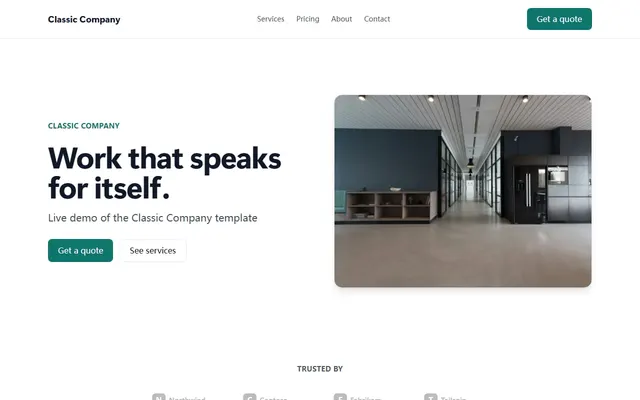
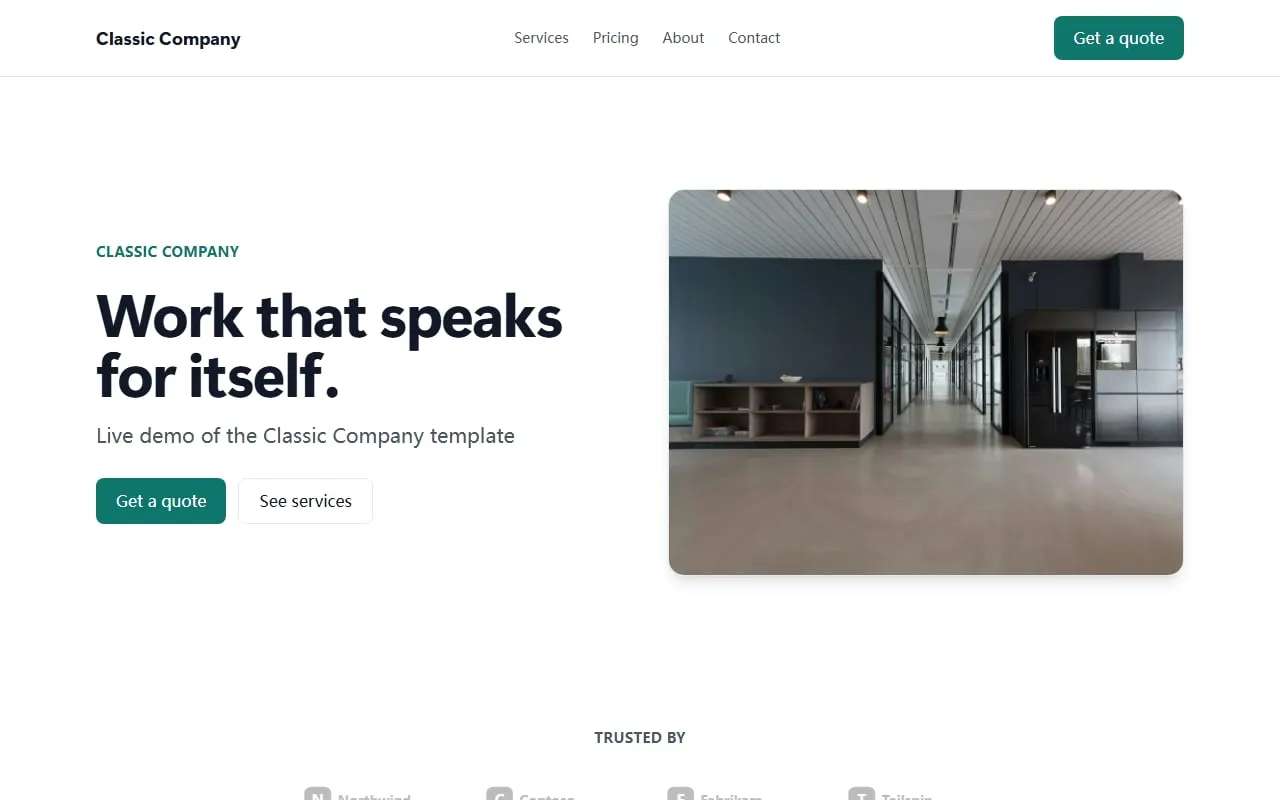
With Cloudeel, start from the Classic Company template and provide a specific brief:
Create a website for Northfield Heating, serving homeowners in Bristol.
Include Home, About and Contact pages with boiler repair, servicing and installation.
Use a calm, practical tone with short sentences and no exaggerated claims.
Add a contact form for quote requests and space for customer testimonials.
Above the fold, show our service area and same-week appointment phone number.
Review every generated claim. Replace placeholder testimonials, images and contact information before publishing.
Useful follow-up edits include “Move emergency repairs above boiler installation” and “Shorten the About section to three sentences.” Cloudeel shows the proposed change, supports undo and does not charge an AI credit when an edit fails validation or makes no visible change.
5. Connect the domain and test the result
Connect your domain, publish, and test the site on a phone. Submit the form yourself and confirm that the notification reaches the correct inbox.
For more examples of suitable structures, browse the small business website articles.
Common ways a cheap website becomes expensive
Define the scope before buying. A low-cost single-page plan is poor value if you later need several detailed service pages.
Check normal renewal prices and record renewal dates. Avoid paying for stores, memberships or marketing features that do not support your main customer action.
Keep control of the domain account, billing details and business inbox. Otherwise, even a simple update can require paid help or delays.
Pre-purchase checklist
- The plan supports your own custom domain.
- SSL is included or can be configured without another purchase.
- The renewal price fits your budget.
- The site can contain every page you need.
- Contact submissions reach an inbox you check.
- You can update text, prices and opening hours yourself.
- You know how to export or retain important enquiries.
- The tool does not require features your business will never use.
Frequently asked questions
What is the cheapest way to build a website with my own domain?
Buying a domain and using free static hosting usually has the lowest cash cost. It is best suited to someone who can build, deploy and maintain the site without paid help.
Can I get a custom business domain for free?
Occasional promotions may discount the first year, but domains normally have an ongoing renewal cost. Check the registrar’s renewal price before relying on an introductory offer.
Is one page enough for a small business website?
Yes, if one page can clearly explain your services, location, proof and contact method. Separate pages are more useful when services need detailed explanations or visitors have different needs.
Do I need to pay monthly for a small business website?
No. You can use free static hosting or choose a builder with yearly billing, but the domain will still need renewal. Cloudeel Pro is available yearly or at $12 per month if you prefer monthly billing.
Start with the Classic Company template if you want a multi-page business site that you can update without code.