How to Make an Accountant Website That Gets Calls
In this article
An accountant website has one main job: help a cautious business owner decide that you are credible, relevant and easy to contact.
You do not need a tax calculator, daily articles or a complicated client portal to launch. Start with four clear pages and make your phone number or enquiry form impossible to miss.
Key takeaways
- To make an accountant website, create home, services, about and contact pages that answer who you help, what you do, what it costs and how to enquire.
- Put a starting price or typical fee range beside each service so unsuitable prospects can filter themselves out.
- Never ask visitors to send tax returns, identity documents or financial records through a general contact form.
What your accountant website should include
A focused home page
Your first screen should identify your firm, ideal client and location. Avoid broad lines such as “Providing professional solutions for all your financial needs.”
Use something closer to:
“Fixed-fee accounting for trades and small limited companies in Bristol. Call 0117 XXX XXXX or request an introductory meeting.”
Add one primary action, such as “Request a call”. You can include phone and WhatsApp buttons as alternatives, but do not give five competing instructions.
Below that, show your main services, a short introduction to the team, your working process, two or three client comments where permitted, and a concise FAQ.
Service pages with price guidance
Name services in the words clients use: annual accounts, bookkeeping, payroll, VAT returns, management accounts and self-assessment.
Each service description should answer:
- Who it is for
- What is included
- What the client needs to provide
- How the process works
- The starting price or typical range
- What happens after an enquiry
A price floor is often more useful than “Contact us for a quote.” For example, “Monthly bookkeeping from £150, with a final quote based on transaction volume and payroll needs.” Make clear that this is an example or starting point, not a guaranteed fee.
An about page built around evidence
Prospects need to know who will handle their work. Include team names, photographs, relevant credentials, professional memberships and the types of businesses you regularly support.
Check the rules of your professional body and local regulator before describing qualifications or displaying badges. Do not imply an endorsement that you do not have.
Presenting specific experience works better than a long company history. The principles in this freelancer portfolio guide also apply here: show relevant work, define your role and replace vague claims with evidence.
A simple process
A numbered process reduces uncertainty. Keep it to three or four steps:
- Send a short enquiry.
- Have an introductory call.
- Receive a written scope and fee.
- Complete onboarding through the firm’s approved systems.
This tells prospects what comes next without forcing them to learn your internal workflow.
Contact details for real people
Your contact page should include a phone number, email address, opening hours, service area and office directions if clients visit you.
Keep the enquiry form limited to information needed for the first conversation: name, contact details, business type, service needed and a short message. Never request tax records, bank details, passwords, identity documents or payroll files through this form. Use an appropriate secure document system after you have accepted the client.
What to leave out of the first version
A client portal can wait. Link to a specialist secure system later if your practice needs document exchange.
Skip a blog unless someone will maintain it. An old news page can make the firm look inactive.
Avoid tax calculators unless a qualified person can keep them accurate. Use the space for services, fees, credentials and contact details instead.
Three ways to build the website
Hire a designer
Choose a designer for original branding, unusual layouts or specialist integrations. Ask for a written scope covering copy, mobile design, hosting, maintenance and future edits.
Use a general-purpose website builder
A general builder suits someone comfortable choosing layouts and settings. You retain more control, but must keep the pages consistent and maintain the design yourself.
Check the current price for a custom domain, forms and required add-ons before committing.
Use an AI website builder
An AI builder suits a small firm that needs a straightforward brochure site. Use How to Choose an AI Website Builder to compare editing, forms, domains and failed-change policies.
One route is Cloudeel:
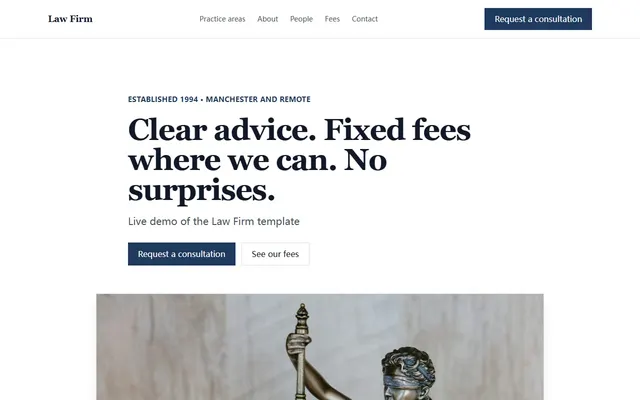
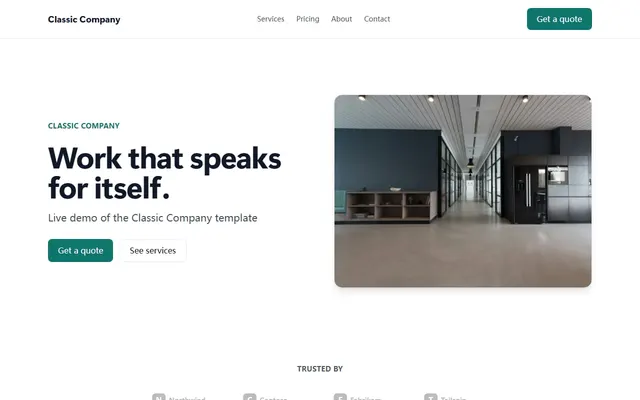
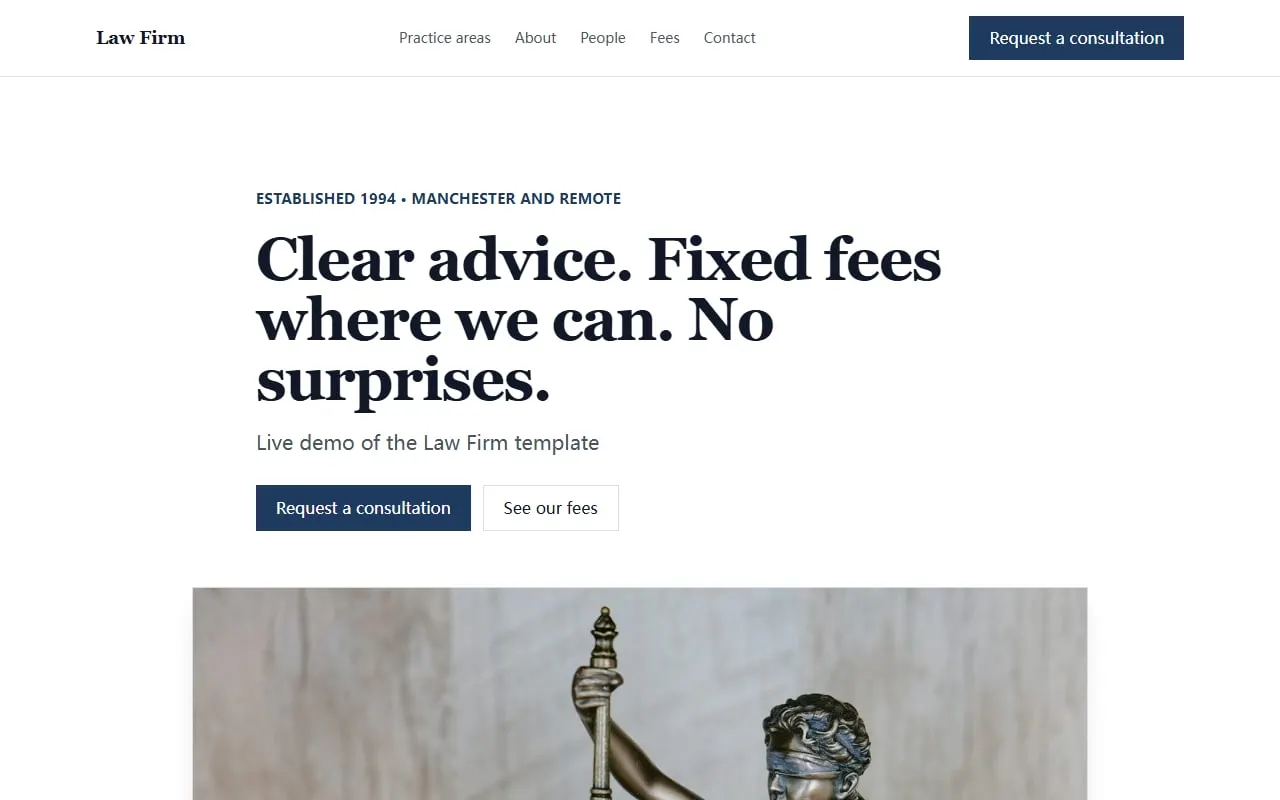
- Choose the Law Firm business template, which includes services, team, process, FAQ and enquiry sections. The Classic Company template is a less formal option.
- Describe the practice:
Create a website for North Street Accounts, an accounting firm serving trades and small limited companies in Bristol.
Include home, services, about and contact pages, with starting prices for bookkeeping, payroll and annual accounts.
Use a calm, plain-speaking tone and explain our four-step enquiry and onboarding process.
Put “Request an introductory call” and our phone number above the fold.
Do not ask visitors to upload financial or identity documents.- Check every claim, fee and credential. Request precise edits such as “Move the starting prices under each service.” Cloudeel shows a diff and lets you undo changes.
- Add tap-to-call or WhatsApp links and a contact form. Submissions are spam-checked and emailed within seconds; analytics show form submissions and outbound clicks.
- Check the phone, tablet and desktop previews, then publish. Paid plans support a custom domain with automatic HTTPS.
Cloudeel does not provide a custom client portal, online payments, server-side tax calculators or a full blog. Use specialist software or a developer for those needs.
Five common accountant website mistakes
1. Describing the firm instead of the client
“We provide comprehensive services” says little. Name the businesses you help and their usual problems.
2. Hiding every indication of price
A starting fee, sample package or explanation of pricing factors gives prospects a useful reference without promising a final quote.
3. Using one services paragraph
Give each main service a clear section covering its scope, intended client and next step.
4. Burying the phone number
Show the main contact action near the top and after the FAQ. Make the number tap-to-call on mobile.
5. Treating the enquiry form as a document portal
Use a public form to begin the conversation. Move accepted clients and sensitive records to your approved secure system.
Accountant website launch checklist
- The first screen states who you help, what you do and where you work.
- Home, services, about and contact pages are complete.
- Each core service includes a price floor or explains how fees are set.
- Credentials, memberships and testimonials are accurate and permitted.
- The phone number works as a tap-to-call link.
- The form asks only for initial enquiry details.
- No page requests sensitive financial or identity documents.
- The site has been checked on a phone.
- Every form submission reaches the correct inbox.
- Opening hours, address and service area are current.
Frequently asked questions
How much does an accountant website need to cost?
It depends on who builds it and how much custom work you need. An AI builder is usually the quickest route for a simple brochure site, while a designer or developer is more suitable for original branding and specialist integrations.
Should an accountant website show prices?
Yes, at least show starting prices, sample packages or the factors used to calculate fees. State clearly that the final quote depends on the client’s circumstances and scope.
Does an accountant need a blog?
No. Four accurate core pages are more useful than a blog that is rarely updated; add articles only when you have a clear topic and time to maintain them.
Can clients upload tax documents through the contact form?
They should not send sensitive documents through a general enquiry form. Use the form to arrange the first conversation, then direct accepted clients to your firm’s approved secure document system.
Start with the accountant-ready Law Firm template and replace its example content with your services, fees and credentials.