Make an Accountant Website With AI
In this article
You can make an accountant website with AI in an afternoon, but the first draft should not go straight online. Cloudeel can generate the structure and copy; your job is to make every service, credential and contact detail accurate.
The finished site should quickly tell visitors who you help, what you do and how to enquire. Keep broader decisions such as positioning and page planning in the accountant website guide; this walkthrough focuses on building the site itself.
Key takeaways
- To make an accountant website with AI, provide specific details about your clients, services, pages, tone and primary call to action.
- Review every generated claim, especially qualifications, memberships, prices and tax-related wording.
- Give each service a clear description and finish with a short enquiry form that asks only for useful information.
How to build the first draft
1. Choose an appropriate starting design
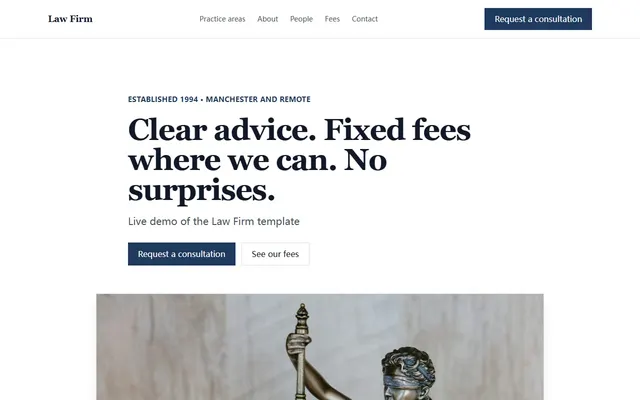
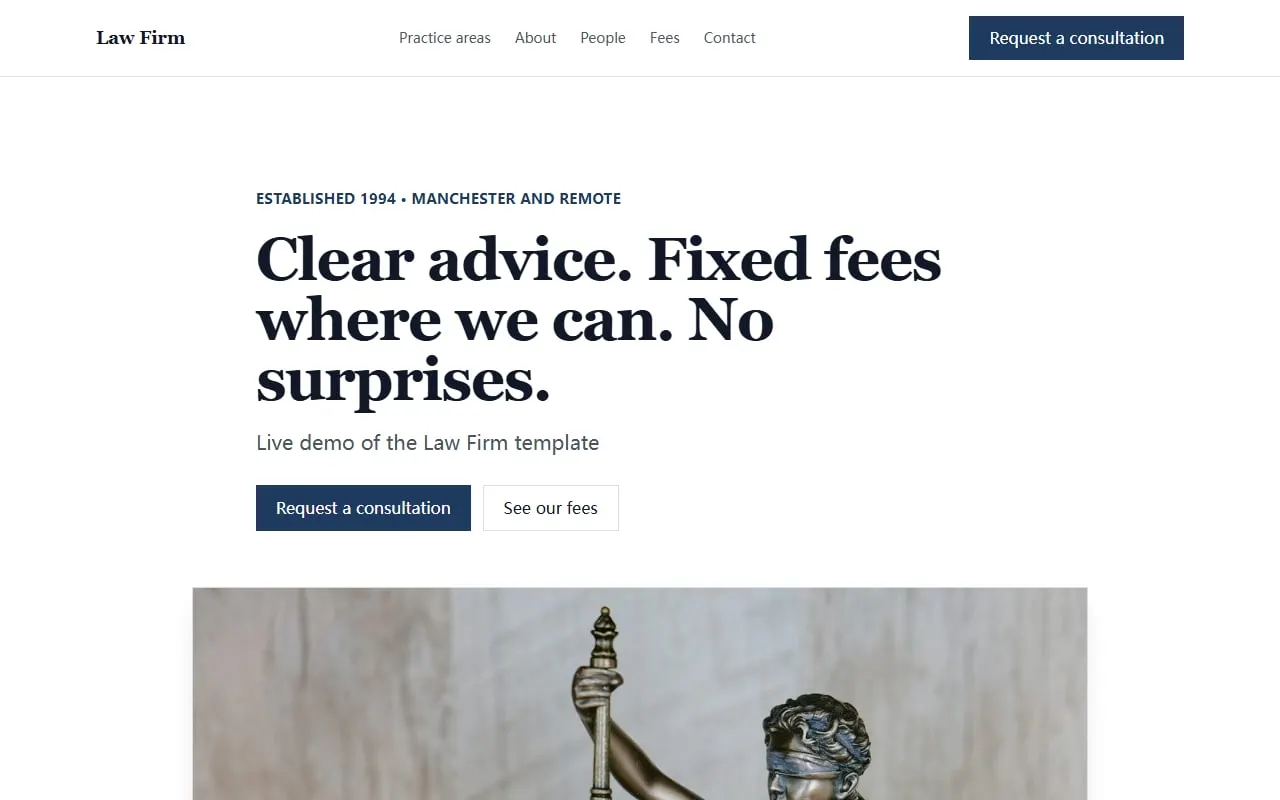
Start with the Law Firm template if you want a formal, established look. It includes services, an about section, team profiles, testimonials, a process, an FAQ and an enquiry form.
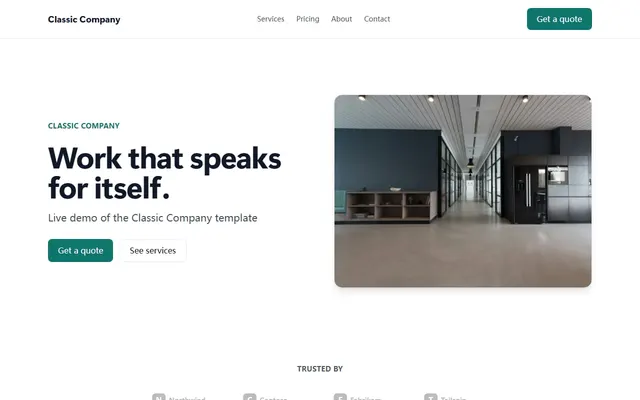
The Classic Company template is a less formal alternative for a small local practice. It has separate home, about and contact pages, plus room for services, prices and client comments.
Choose based on the content you need, not the sample colours. Every Cloudeel template has three colour presets, and you can change the theme later without losing your text.
2. Give the AI a detailed prompt
Replace the sample business name and location, then paste this into Cloudeel:
Build a website for Northfield Accounts, a two-person accountancy practice serving sole traders and small limited companies in Bristol.
Create Home, Services, About and Contact pages covering bookkeeping, annual accounts, payroll and self-assessment.
Use a calm, plain-English tone that feels helpful rather than corporate.
Above the fold, show who we help, our location and a clear “Book an introductory call” button.
Add placeholders for verified credentials, client comments and an enquiry form without inventing any claims.
This prompt gives the builder a defined audience, page structure and tone. It also states what must appear above the fold, where visitors decide whether they have found the right accountant.
3. Review the generated first draft
Read the site as a prospective client with one immediate problem. Within a few seconds, you should be able to identify the practice’s location, intended clients, main services and next step.
Remove vague headings such as “Financial solutions for your future”. Replace them with something concrete, such as “Accounts, payroll and tax returns for Bristol small businesses.”
Check the mobile preview as well as the desktop version. Long service names, qualifications and call-to-action buttons often need shortening on smaller screens.
Make three essential edits
1. Clarify every service
A list containing bookkeeping, payroll, accounts and tax is too thin. Give each service one or two sentences explaining who it is for and what the client receives.
For example:
- Bookkeeping: Monthly transaction records and reconciliations for sole traders and small companies.
- Payroll: Regular payroll processing and employee documents for small employers.
- Annual accounts: Preparation of year-end accounts using the records you provide.
- Self-assessment: Tax return preparation for sole traders, directors and landlords where appropriate.
Use a section-specific Cloudeel edit instead of regenerating the whole site. You might type: “Rewrite the services section so each service names the client it suits and the work included. Do not add prices or guarantees.”
The proposed change appears as a diff before it is applied. If the wording becomes less accurate, reject it or undo it in one click.
2. Add credentials and trust signals
Accountancy clients may share sensitive business information, so they need evidence that the practice is genuine. Add only details you can verify, such as named team members, relevant qualifications, professional memberships, years in practice or real client comments used with permission.
Do not let AI fill gaps with plausible-sounding credentials. If the draft says “chartered accountants” or names a professional body, confirm that the description is accurate for your practice and permitted where you operate.
A useful edit instruction is: “Add a trust section with placeholders for our verified qualifications, professional memberships and two approved client comments. Do not invent awards, numbers or accreditations.”
Include a photograph of the person who will answer enquiries if you have a suitable one. A real, current image is more useful than a generic office photograph.
3. Configure the enquiry form
Keep the first form short. Name, email or telephone number, business type, service needed and a brief message are usually enough to begin a conversation.
Avoid asking visitors to upload accounts, tax records, identification or other sensitive documents through a general website enquiry form. Arrange an appropriate secure process after you have reviewed the enquiry.
Cloudeel forms include spam protection and can email new submissions to you within seconds. You can also read them in the dashboard and export them as CSV.
Change the heading from “Contact us” to something more specific, such as “Tell us what accounting help you need.” Then test the published form yourself and check that the notification reaches the right inbox.
Add the final details and publish
Check the address, service area, telephone number, email address and opening hours. If you work remotely, say which locations or client types you serve instead of implying that visitors can attend an office.
Add a short FAQ using questions that clients genuinely ask. Good examples include what records to bring, which businesses you work with, whether meetings can be remote and how the first conversation works. Avoid giving personalised financial or tax advice in generic website copy.
Publish the site to its Cloudeel subdomain and test every page, button and form. One-click publishing sends the static site to a global CDN with HTTPS. Paid plans let you connect your own domain with automatic SSL.
If you are still choosing a platform, compare the same prompt and content across several tools. The accountant website builder comparison can help you assess the options. Cloudeel suits a small, mostly static practice site that needs simple editing, forms and hosting; choose another platform if you need built-in appointment booking, online payments, a client portal or a full blog CMS.
Pre-publish checklist
- The opening section names your clients, services and location.
- Every qualification and membership has been verified.
- Service descriptions explain what is included without making guarantees.
- Client comments are genuine and approved for publication.
- Telephone, email, address and opening hours are correct.
- The enquiry form asks only for information needed for first contact.
- Every navigation link and call-to-action button works.
- The site has been checked on desktop, tablet and phone.
- A test form submission reaches the correct inbox.
- No placeholder names, photographs or claims remain.
Frequently asked questions
Can AI make a professional accountant website?
Yes, AI can create a useful first draft of the structure and copy. You must still verify services, credentials, regulatory wording and contact details before publishing.
What pages should an accountant website have?
Most small practices need a home page, services page, about page and contact page. Add separate service pages only when you have enough distinct, useful information for each one.
Can I add appointment booking or online payments?
Cloudeel does not include a booking engine or e-commerce. You can link a button to an external booking or payment service, or choose a platform that provides those functions directly.
Can I use my own domain with Cloudeel?
Yes, every paid site can connect a custom domain with free automatic SSL. Free sites publish on a Cloudeel subdomain.
Start with the Law Firm accountant website template and replace every placeholder with verified details from your practice.