How to Make a Restaurant Website in an Afternoon (2026)
In this article
Most people who land on a restaurant website want one of three things: the menu, the opening hours, or a way to book. If any of those takes more than one tap on a phone, they go to the place next door — or straight to a delivery app that takes 30% of the order.
This guide walks through what a restaurant website actually needs, what to skip, and how to get one live in an afternoon.
What a restaurant website needs
1. The menu as text, not a PDF
A PDF menu is the single most common mistake. It doesn’t fit a phone screen, it can’t be searched, Google can’t read the dish names, and it’s always out of date because updating it means opening a design tool.
Put the menu on the page as real text: section headings (Starters, Mains, Desserts, Drinks), dish names, one-line descriptions and prices. This is what lets your site show up when someone searches “sourdough pizza near me” — the dish is on your page, in words.
2. Hours and address above the fold
The hours and the address should be visible without scrolling, on every page, and the address should be a link that opens directions. Add a phone number that dials on tap. If you have different hours for the kitchen and the bar, say so — nobody wants to arrive at 21:30 to find the kitchen closed.
3. A way to book
That can be a reservation form that emails you, a link to your booking system (OpenTable, Resy, TheFork, or whatever you use), or just a prominent phone button. The important thing is that “Book a table” is the most visible button on the page.
4. Photos of the food and the room
Three to eight good photos: two or three dishes, the dining room, the front of the building so people recognise it, and one of the team if you like. Shot on a phone in daylight is fine. Skip stock photography — people can tell.
5. Reviews
Pull two or three quotes from Google or TripAdvisor onto the page, with the source. Don’t overdo it; a wall of five-star reviews looks fake.
What to leave out
- A homepage carousel. Nobody waits for slide three. One strong photo beats five rotating ones.
- An “About the chef” essay. Two sentences and a photo. The food speaks.
- Background music, pop-ups, a splash page. All of these lose you customers on mobile.
- A blog you won’t maintain. If you want to post news — a new seasonal menu, a private-dining offer — use a lightweight “updates” section you can add to in one sentence.
How to build it
Option A: hire a designer
Budget £800–£3,000 and two to four weeks. You’ll get something bespoke, but every change afterwards — a price, a new dish — goes back to the designer and costs money or waits in a queue. Most restaurant sites built this way stop being accurate within six months.
Option B: a general-purpose site builder
Wix, Squarespace and the like work, but you’re assembling a restaurant site out of generic blocks. Expect a few evenings of dragging things around and a monthly fee for the plan that removes their branding.
Option C: an AI website builder with a restaurant template
This is the fastest route if you want to be live today. With Cloudeel, the flow is:
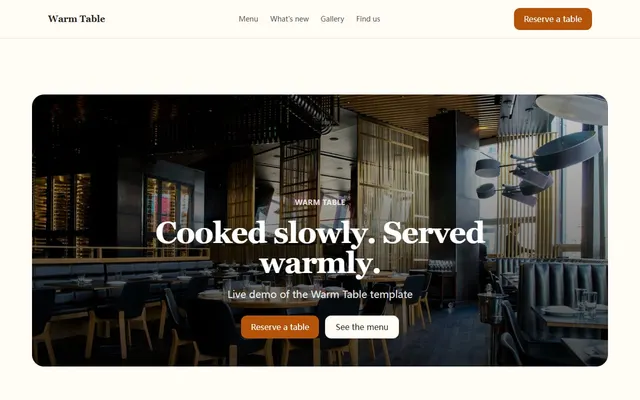
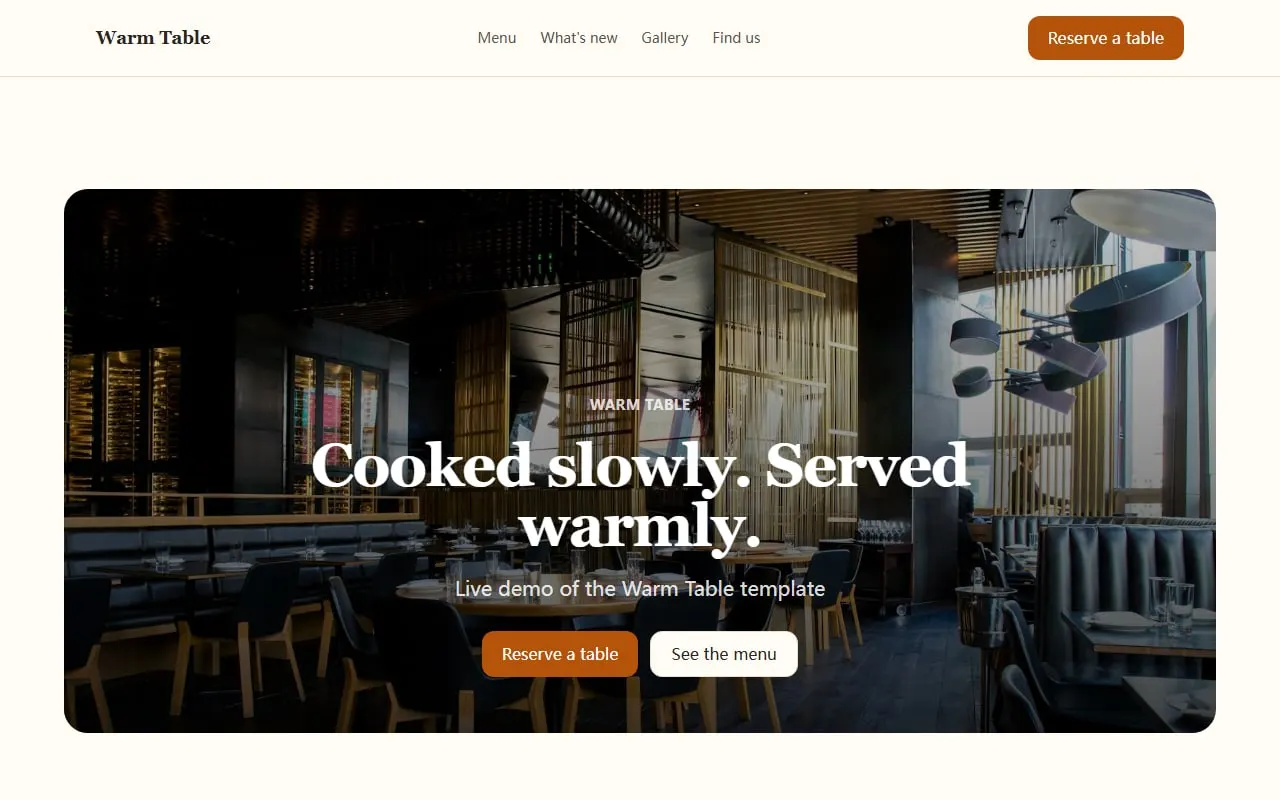
- Open the restaurant website template. It already has a menu with prices, chef’s notes, gallery, reviews, hours and a reservation form in the right order.
- Click Use this template and tell the assistant about your place — “We’re a 30-cover Neapolitan pizzeria in Bristol, open Tuesday to Sunday, evenings only. Here’s our menu: …” — and paste your menu.
- Review the result. The assistant fills in the copy, the menu and the hours; you swap in your photos.
- Publish. The site goes onto a global CDN with HTTPS in one click. Connect your own domain when you’re ready.
Afterwards, updating the menu is a sentence: “Replace the Tuesday special with roast cod, £18.” The assistant edits exactly that item and shows you the change before it goes live.
SEO for a restaurant website: the short version
You don’t need an SEO agency. You need these five things:
- Your Google Business Profile claimed, with the same name, address, phone and hours as your website. This is where most of your search traffic comes from.
- The menu as text (see above), so dish names are indexable.
- A page title like “Rosa’s Pizzeria — Neapolitan pizza in Bristol”, not just “Home”.
- Consistent name, address and hours in the page footer, matching your Google Business Profile exactly — this is what Google cross-checks when deciding whether to show you for “near me” searches.
- Fast loading on mobile. Static sites on a CDN load in well under a second; a heavy theme with a carousel and a chat widget does not.
Checklist
Before you publish, check the site on your phone:
- Menu visible as text, with prices
- Hours and address visible without scrolling
- “Book a table” is the most visible button
- Phone number dials on tap, address opens directions
- Three to eight real photos
- Two or three reviews with sources
- Page title includes what you serve and where you are
If that’s all true, you have a better restaurant website than most of your competitors. Start from the restaurant template and you can have it live before service.