How to Make a Café Website That Gets Visits
In this article
A café website has one main job: help someone decide to visit. They should be able to check your menu, prices, opening hours and location from their phone without searching through social posts.
For most independent cafés, one clear page is enough. A full restaurant website may add complexity without helping the person looking for coffee nearby.
Key takeaways
- To make a café website, put your menu, current opening hours, address and contact buttons on one mobile-friendly page.
- Use real photos, write prices as normal page text and keep seasonal specials easy to update.
- Skip a blog, PDF menu, online ordering and reservation system unless your café genuinely needs them.
What your café website should include
Put the details needed for a visit first, followed by photos and background.
1. A useful opening section
Show your café name, area, offer, opening hours and buttons for directions and calls or messages above the fold.
“North Street Coffee — espresso, pastries and lunch in Bristol.”
Avoid vague slogans that say nothing about what you serve or where you are.
2. Opening hours that are easy to find
Put hours near the top and beside your address. Show kitchen hours separately and add dated notices for bank holidays or private events.
3. A short menu with prices
Write the menu directly on the page:
- Espresso — £2.80
- Flat white — £3.40
- Filter coffee — £3.20
- Toasted focaccia — £7.50
Focus on main drinks, food and cakes. Page text is easier to read and update than a PDF.
4. Directions and one-tap contact
Show the complete address with a directions link, telephone button and, if you answer customer enquiries there, WhatsApp button.
Add a landmark such as “Opposite the library.” Do not use an embedded map as the only address.
5. A few real photographs
Use current photos of the shopfront, seating, coffee and food. Consistent phone photos are more useful than stock images, provided you check their mobile crops.
6. One current update
Use a small “What’s new” section for seasonal drinks, holiday hours or weekend specials. Date each note so visitors know it is current:
“24 September — Pear and almond cake is back this weekend, while slices last.”
Full-service venues may need the restaurant website walkthrough. The restaurant website topic hub has more practical advice for food businesses.
What to leave out
A small café site benefits from restraint. Every extra feature creates something else to maintain.
Skip a PDF menu. It can be slow to open, awkward to read on a phone and easy to leave outdated. Put the important menu items and prices directly on the page instead.
Do not add reservations if you mainly serve walk-ins. If table bookings are central to your business, use a dedicated booking service and link to it; Cloudeel does not provide a booking engine.
Treat online ordering the same way. Use a suitable ordering platform if you need payments, delivery management or timed collection. Cloudeel sites do not include e-commerce or online payments.
You probably do not need a blog either. A short updates list is easier to maintain and better suited to specials and changed hours. Cloudeel provides an updates section, but not a blog CMS with separate posts or categories.
Three ways to build your café website
Hire a local designer
A designer suits a café that needs original photography, custom branding or help deciding what to say. They can also manage details such as domain setup and links to outside booking or ordering services.
This is usually the highest-cost route and requires the most coordination. Ask who will update prices and opening hours after launch, how changes are charged and whether hosting is included.
Use a general-purpose website builder
A general builder such as Wix can work if you want broad design control and are comfortable choosing layouts and settings. WordPress is another option when you need a larger site or expect to add more publishing features.
Allow time to select a theme, remove sections you do not need, configure hosting where required and keep the site maintained. This route fits someone willing to learn the system or pay for occasional help.
Use an AI website builder
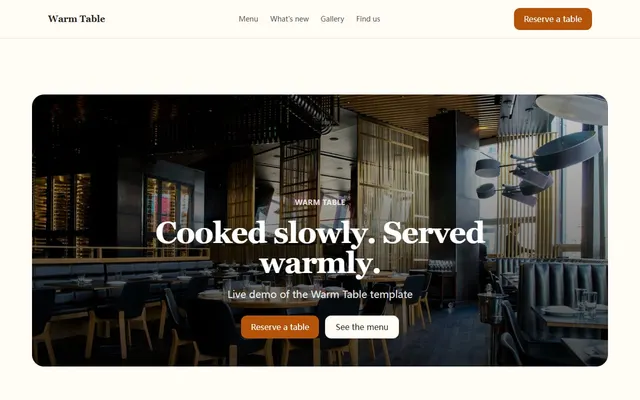
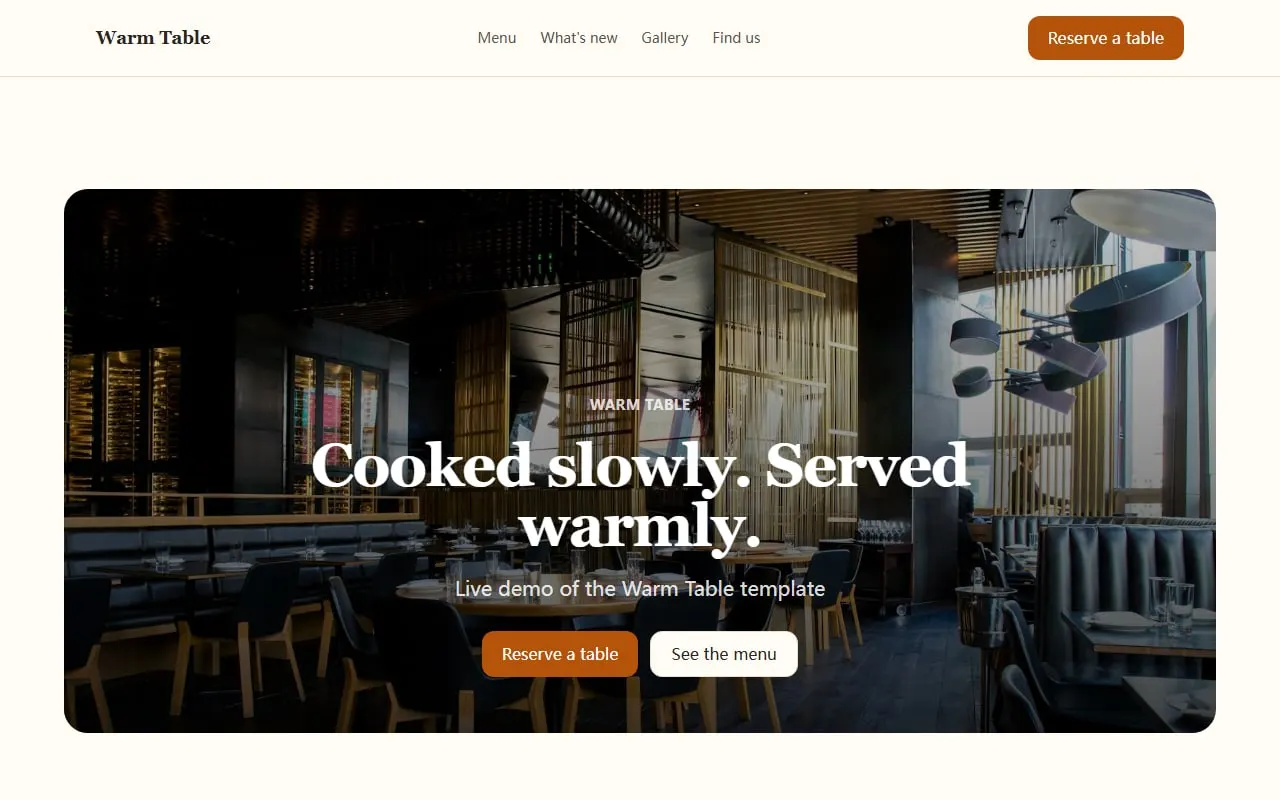
An AI builder fits a simple site that needs to go live quickly and stay easy to change. With Cloudeel, you can start from the Warm Table café and restaurant template, which includes menu, updates, gallery, testimonials, contact and directions sections.
A practical four-step flow is:
- Choose the template and one of its three colour presets.
- Give the assistant your café details and review the first draft.
- Replace sample images, check prices and add call, WhatsApp and directions links.
- Preview the phone layout, then publish with hosting and HTTPS included.
Use this prompt for the first draft:
Create a one-page website for North Street Coffee, an independent café in Bristol.
It is for nearby workers, students and weekend visitors.
Include a short drinks and lunch menu with prices, opening hours, real-photo placeholders, directions and weekly specials.
Use a warm, straightforward tone with no luxury language.
Above the fold, show our location and buttons to call us and get directions.
Cloudeel lets you request later edits in plain language, review the change and undo it. For example: “Move today’s opening hours directly below the heading” or “Add a note that the kitchen closes at 2pm.” Manual text editing is also available when you only need to correct a price.
Common café website mistakes
- Stale opening hours: Check the site whenever seasonal or holiday hours change.
- No phone number near the top: Do not make someone search the footer when they need to ask about accessibility or an item.
- A menu without prices: Visitors may assume the page is unfinished or decide not to make the trip.
- Stock photographs: Show the place customers will actually visit.
- Too much text: Your history can be brief. Put the menu, hours and location first.
- No mobile check: Test every button and read the menu on a real phone.
- Unclear update dates: Date specials so visitors can tell whether they are still available.
Café website launch checklist
- Café name, area and offer are clear at the top.
- Today’s opening hours are easy to find.
- Menu items and prices appear as page text, not a PDF.
- The address opens correct directions.
- Telephone and WhatsApp buttons work on a phone.
- Photographs show the real café, food and shopfront.
- Holiday hours and specials have visible dates.
- The page has been checked in phone, tablet and desktop views.
- Any booking or ordering button goes to the correct outside service.
- A friend unfamiliar with the café can find the essentials quickly.
Frequently asked questions
How much does it cost to make a café website?
It depends on the route. A designer provides more custom help, a general builder may involve separate software or hosting costs, and an AI builder can start on a free plan; compare ongoing upkeep as well as the initial price.
Does a café website need more than one page?
Usually not. A single page can cover your menu, opening hours, photos, directions and contact details, while a separate page only helps when you have substantial information that would make the main page difficult to scan.
Should I put my café menu in a PDF?
No, not as the main menu. Write the core items and prices directly on the page so they are easy to read and update, with a downloadable PDF only if customers genuinely need a printable version.
Can I take orders through my café website?
Yes, but you need an ordering or e-commerce service that handles products and payments. Link that service from your site rather than trying to manage orders through a basic contact form.
Start with the Warm Table café website template and replace its sample details with the information customers need before they visit.